
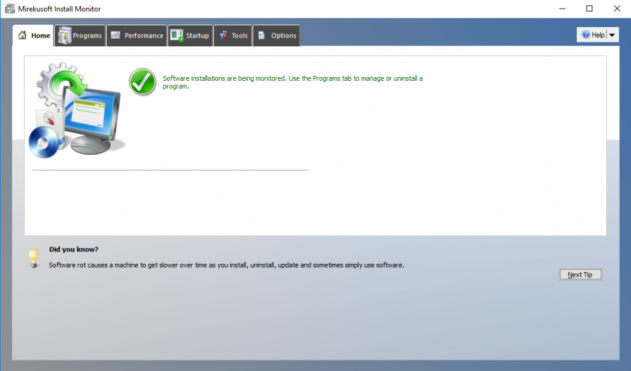
Intelligent Monitoring Runs in Background
Once installed, Mirekusoft Install Monitor runs in the background and starts monitoring program installs in real-time. It’s lightweight so it will have minimal impact on your PC.
Completely Remove a Windows Program
Mirekusoft Install Monitor provides an interface similar to the Windows Control Panel. Obtain information about a program by selecting it. You can even easily search online. Once you decide to remove the program, click ‘Uninstall’ to begin the removal process.
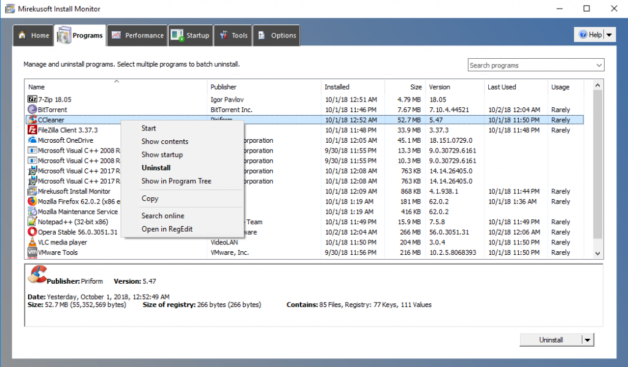
After the uninstaller has run, Install Monitor will guide you through the cleanup process. This step makes sure there are no unnecessary files or registry left behind on your system.
Even though many uninstallers will require a reboot, Install Monitor prevents the automatic restart.
After you’ve cleaned up the program with Install Monitor your work is done. You can be sure there’s nothing left behind. It makes it easy to improve your system performance.
Get started today for a better, faster, and smoother PC experience!
See how it works with a free trial or purchase risk-free with our
100% money back guarantee!
No Credit Card Required
Free Support. 30-Days Money Back!